Wireless sharing for classrooms and campuses.
A Chromebook classroom and a university lecture hall put different demands on technology. Polaris gives both browser screen sharing and central room management. Choose the path that fits your school or campus.
Explore Polaris for your school or campus
K-12
Let teachers and students share from Chromebooks and laptops, with no app to install for browser sharing. Manage Polaris rooms across your schools from Polaris Cloud.
Explore K-12 classrooms →Higher education
Support lecture halls, labs, libraries and seminar rooms across campus. Browser sharing connects people across networks, while Polaris Cloud gives your AV team one place to manage Polaris rooms.
Explore campus solutions →Share in the classroom. Manage across your campus.
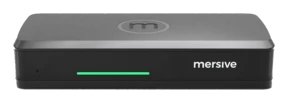
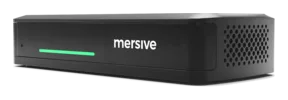
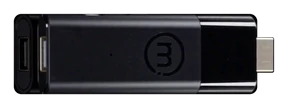
Polaris Essentials and Pro run the same software for sharing and room management. Choose the hardware that fits each room.
Device policies and network settings need to allow the sharing method you choose. Phones share through the Mersive app or a supported native casting protocol.
Compare Polaris Essentials and Pro →These published customer stories describe Mersive Solstice Gen 3 deployments that predate Polaris.
“Behind every display in this building, there is a Solstice Pod. It's supporting the teaching and learning here, the meeting rooms, and the informal spaces outside the classrooms.”
A Solstice Gen 3 deployment in a building that opened in 2021.
Its Solstice deployment brought every Pod into one cloud tenant in 2023.
Reported in the university’s 2025 Solstice case study.
Source: published George Mason University and Texas A&M University customer stories about Solstice Gen 3.
Try Polaris in a teaching space.
Try Polaris Essentials or Pro with the devices and network your school uses. Test classroom sharing and room management before planning a wider rollout.
Request a trial